Open code 설치
npm이 설치되어 있다면 터미널에서 아래 명령어 실행
npm install -g opencode-ai
터미널 재시작후 opencode 실행
/connect 입력

OpenCode Zen선택

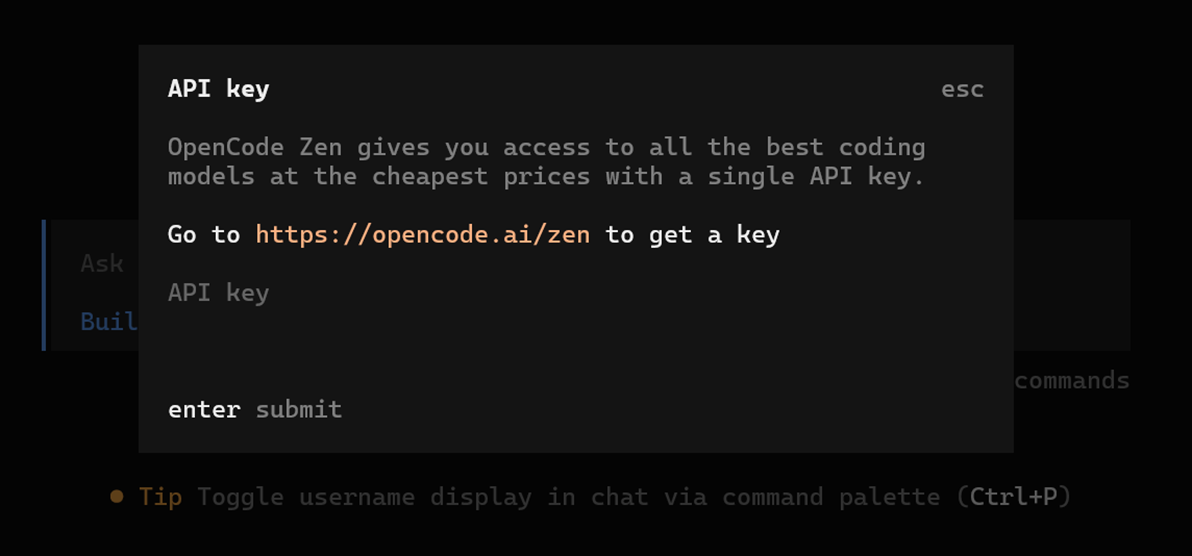
opencode.ai/zen에서 API KEY생성하고 붙여넣기를 한다.

Free 모델들을 확인할 수 있다.
OpenAI, Gemini, Claude Opus등 API KEY도 있으면 입력한다.

/models로 모델을 바꿀 수 있다.
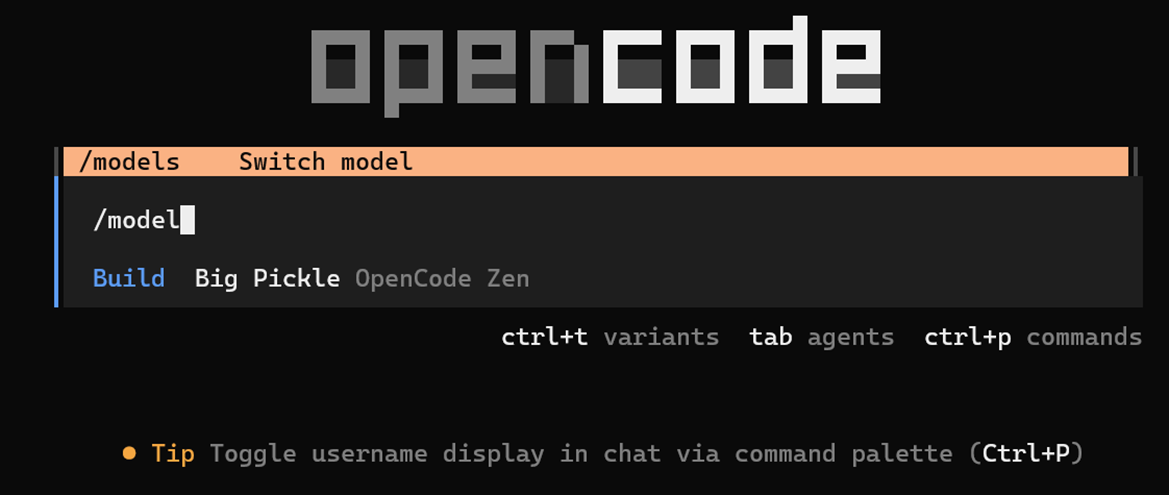

터미널 재시작
시작하고자 하는 디렉토리에서 opencode 실행

프로젝트에서 처음 OpenCode를 사용한다면 /init 명령어로 초기화
이 명령어를 실행하면 OpenCode가 프로젝트 구조를 분석하고 AGENTS.md 파일을 생성합니다. 이 파일은 OpenCode가 프로젝트의 구조와 코딩 패턴을 이해하는 데 도움을 줍니다.


oh-my-opencode 설치
opencode 실행 후 아래 입력
Install and configure oh-my-opencode by following the instructions here:
https://raw.githubusercontent.com/code-yeongyu/oh-my-opencode/refs/heads/master/docs/guide/installation.md


설치가 완료되었으면 opencode 재실행
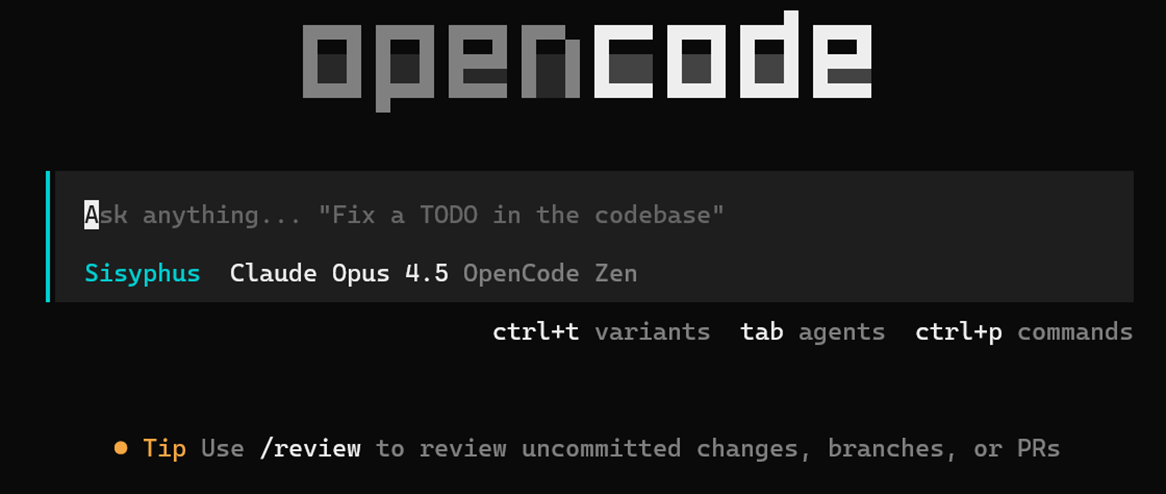
원하는 모델로 변경

oh-my-opencode 삭제하려면
C:\Users\유저명\.config\opencode\opencode.json에서 plugin항목에 " oh-my-opencode" 삭제
{
"$schema": "https://opencode.ai/config.json",
"plugin": [ "oh-my-opencode"
]
}
opencode 재실행
'AI agent' 카테고리의 다른 글
| RAG 개선 방법 (0) | 2026.03.07 |
|---|---|
| OpenClaw Setup 방법 (0) | 2026.02.07 |
| LangChain v1 마이그레이션 가이드 (0) | 2026.01.28 |
| vLLM+FastAPI 로 EXAONE 서버구축하기 (0) | 2026.01.20 |
| AI Agent와 하이퍼자동화 (2) | 2026.01.17 |